Retail and storefront screens
A retail screen competes with the product it's standing next to, which is a harder brief than most signage: if the screen is more interesting than the shelf, it's doing the wrong job.
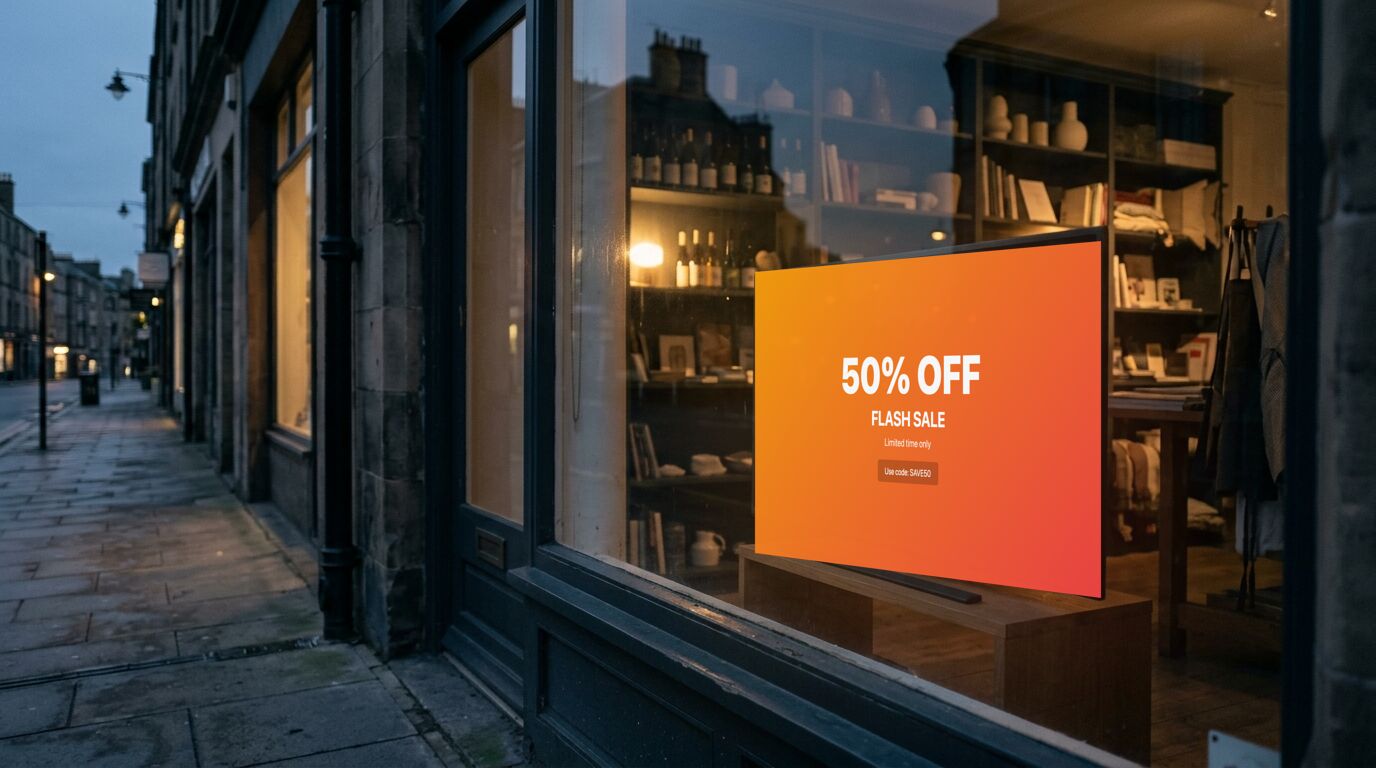
One message per screen, and change it rarely
The instinct is to rotate six promotions so nothing is wasted. The result is that a customer glancing up sees a third of a message and looks away. A window screen gets the attention of someone walking past. One offer, legible from the sidewalk, is the whole budget.
The argument for digital here isn't more messages. It's that the one message is current: a promotion that ended on Sunday is gone on Sunday, everywhere, without anyone walking round with a scraper.
Where the screens actually earn their place
The window sells to people outside. A screen at the register sells the thing people forget to add (batteries, a warranty, a second pair), and it's read while someone is already committed. Those are different messages, and they shouldn't share a rotation.
Opening hours in the window is the least glamorous screen in the shop and the one most often photographed, because someone standing outside a closed door wants exactly one fact.
Brightness is the constraint nobody plans for
A consumer TV in a sunlit window will be washed out by ten in the morning. That's a panel-brightness problem, not a content problem, and no amount of contrast in the design fixes it. A window needs a high-brightness panel, or a spot out of direct sun.
Portrait orientation is usually the better use of a window. Most consumer TVs will rotate, but check the mount is rated for it before committing.
Templates that fit

Sale Banner (Classic)
Store windows, end-of-aisle screens, quick promotions
6 editable fields

Product Feature (Bold)
Retail, showrooms, trade show booths, pharmacy counters
13 editable fields

Store Hours (Classic)
Stores, salons, cafés, service counters
26 editable fields

Social Post
Event walls, retail, reception, campaign screens
6 editable fields

QR Code (Ticket)
Menus, sign-ups, reviews, app downloads, promotions
7 editable fields
Also useful here: Full Screen Image, a simpler layout available in the dashboard.
More templates for these screens
Others in the same categories as the picks above. All included on every plan, the free one too.
Hours: Holiday Hours, Holiday Hours (Split-Flap), Store Hours (Bold), Store Hours (Botanical)
Promotion: We're Hiring (Neon), We're Hiring (Poster), We're Hiring (Swiss), Before & After (Botanical)
Social: Celebration (Art Deco), Celebration (Neon), Leaderboard, Leaderboard (Arcade)
Utility: Analog Clock (Swiss), Calendar (Bold), Calendar (Split-Flap), Digital Clock (Arcade)
What the free plan covers
The free plan runs 3 screens with no time limit and no credit card. For a lot of the sites on this page, that's the whole installation. Past that, Pro is $29 a month in total for up to 25 screens. Full detail on the pricing page.
To set one up, the TV setup guides cover which sets and sticks can run a screen and the power settings to turn off, and pairing a screen takes four steps.
What it doesn't do
There are no stock levels, no prices pulled from a POS, and no per-store targeting beyond putting different screens in different groups. Product and price are fields you set. If you want the screen to know what's in stock, that's an integration you'd build against the API.
Other use cases
Waiting room screens · School and campus screens · Warehouse and production floor screens · Hotel and hospitality screens · Digital menu boards · Office and lobby screens · Gym and studio screens · All use cases