School and campus screens
The screen in a school entrance is read by three audiences in the same minute: students, staff, and a visitor who's never been in the building. Most entrance screens fail because they're written for only one of them.
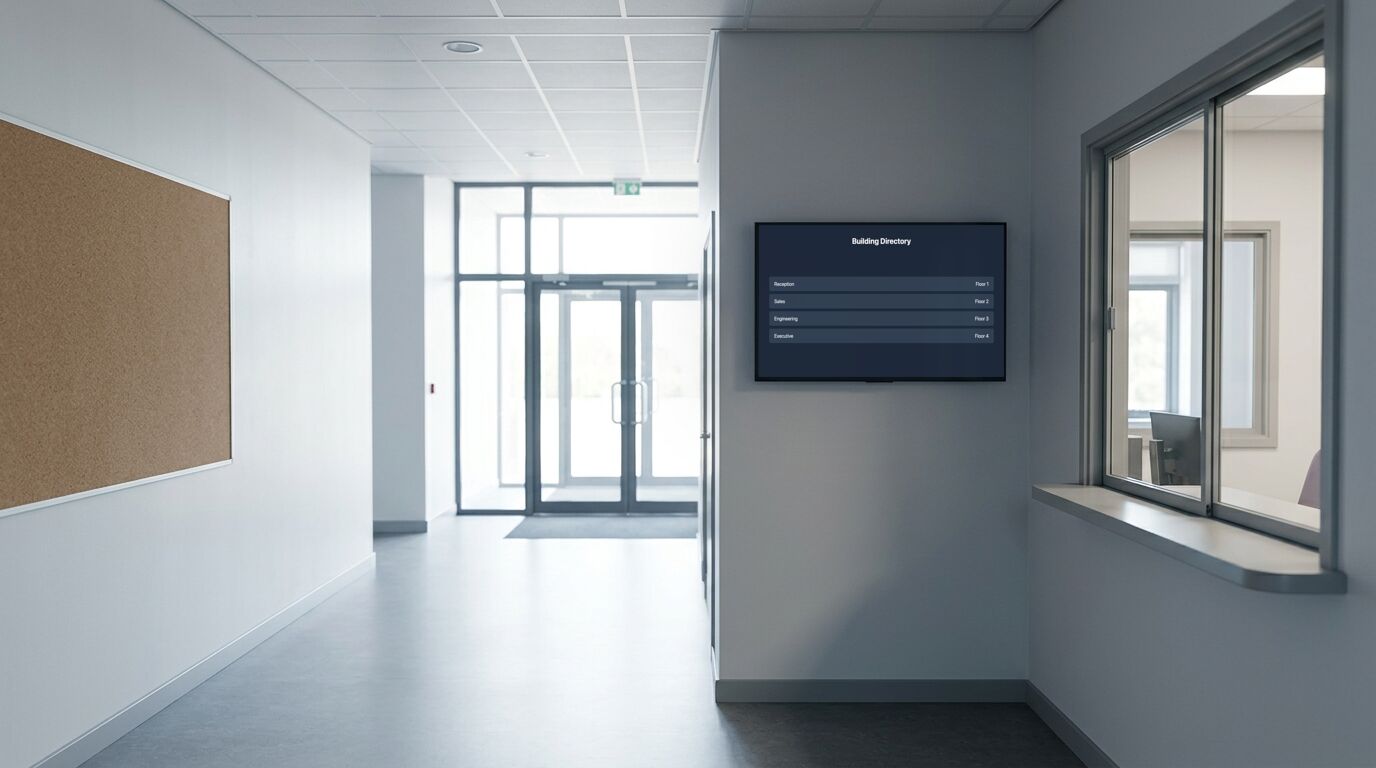
Write for the visitor first
Students learn the building in a week and stop reading the signage. Staff already know. The person who really depends on the entrance screen is the parent, contractor or candidate who's never been there, so a directory and a today-at-a-glance panel earn their place ahead of anything aspirational.
That's also the argument for keeping a calendar on it. A date on the screen is a date nobody has to ask reception about.
Countdowns work here in a way they rarely do elsewhere
A countdown is usually filler. In a school it isn't: exam dates, a trip deadline, an application cut-off and the end of term are all real deadlines shared by a whole cohort, and a number that goes down is a better reminder than a notice that has been up so long it has stopped being visible.
Who updates it, and what happens in August
The screen that fails is the one only one person can change. Give the office its own Editor login so notices aren't one person's job. It's worth setting up on day one, because a screen maintained by a single busy person becomes a screen showing last term.
Plan for the holidays too. A screen showing an event from three weeks ago is worse than a screen showing nothing, so either schedule content to expire or park the screen on something dateless.
Templates that fit

Event Announcement (Classic)
Single upcoming events, community boards, small venues
7 editable fields

Calendar (Bold)
Reception desks, break rooms, shared workspaces
29 editable fields

Countdown Timer (Bold)
Conference stages, retail promotions, event lobbies
20 editable fields

Directory
Office lobbies, medical centers, multi-tenant buildings
9 editable fields

Town Hall Reminder
All-hands, staff briefings, member meetings, AGMs
22 editable fields

Inspirational Quote (Poster)
Gyms, workshops, studios, sales floors, anywhere a line should hit hard
6 editable fields
Also useful here: Alert Banner, a simpler layout available in the dashboard.
More templates for these screens
Others in the same categories as the picks above. All included on every plan, the free one too.
Countdown: Countdown Timer (Arcade), Countdown Timer (Classic), Countdown Timer (Glass), Countdown Timer (Slate)
Event: Meeting Room (Glass), Meeting Room (Slate), Meeting Room (Split-Flap), Meeting Room (Wayfinding)
Quote: Inspirational Quote (Botanical), Tip of the Day (Glass), Inspirational Quote (Art Deco)
Utility: Digital Clock (Arcade), Digital Clock (Bold), Digital Clock (Glass), Digital Clock (Neon)
Wayfinding: Directory (Wayfinding), Emergency Assembly Point (Wayfinding), Parking & Shuttle Info, Parking & Shuttle Info (Blueprint)
What the free plan covers
The free plan runs 3 screens with no time limit and no credit card. For a lot of the sites on this page, that's the whole installation. Past that, Pro is $29 a month in total for up to 25 screens. Full detail on the pricing page.
To set one up, the TV setup guides cover which sets and sticks can run a screen and the power settings to turn off, and pairing a screen takes four steps.
What it doesn't do
This isn't an emergency notification system. The alert template is a content item somebody publishes, with the same delivery guarantees as any other. It isn't tied to an alarm panel, it doesn't override a screen automatically, and it shouldn't appear in a safeguarding or lockdown plan as a channel you rely on.
Other use cases
Waiting room screens · Retail and storefront screens · Warehouse and production floor screens · Hotel and hospitality screens · Digital menu boards · Office and lobby screens · Gym and studio screens · All use cases