Gym and studio screens
At 5:55am the 6am spin class has moved to Studio 2 and has a cover instructor. The laminated sheet by the door still says otherwise, and so does every member who read it.
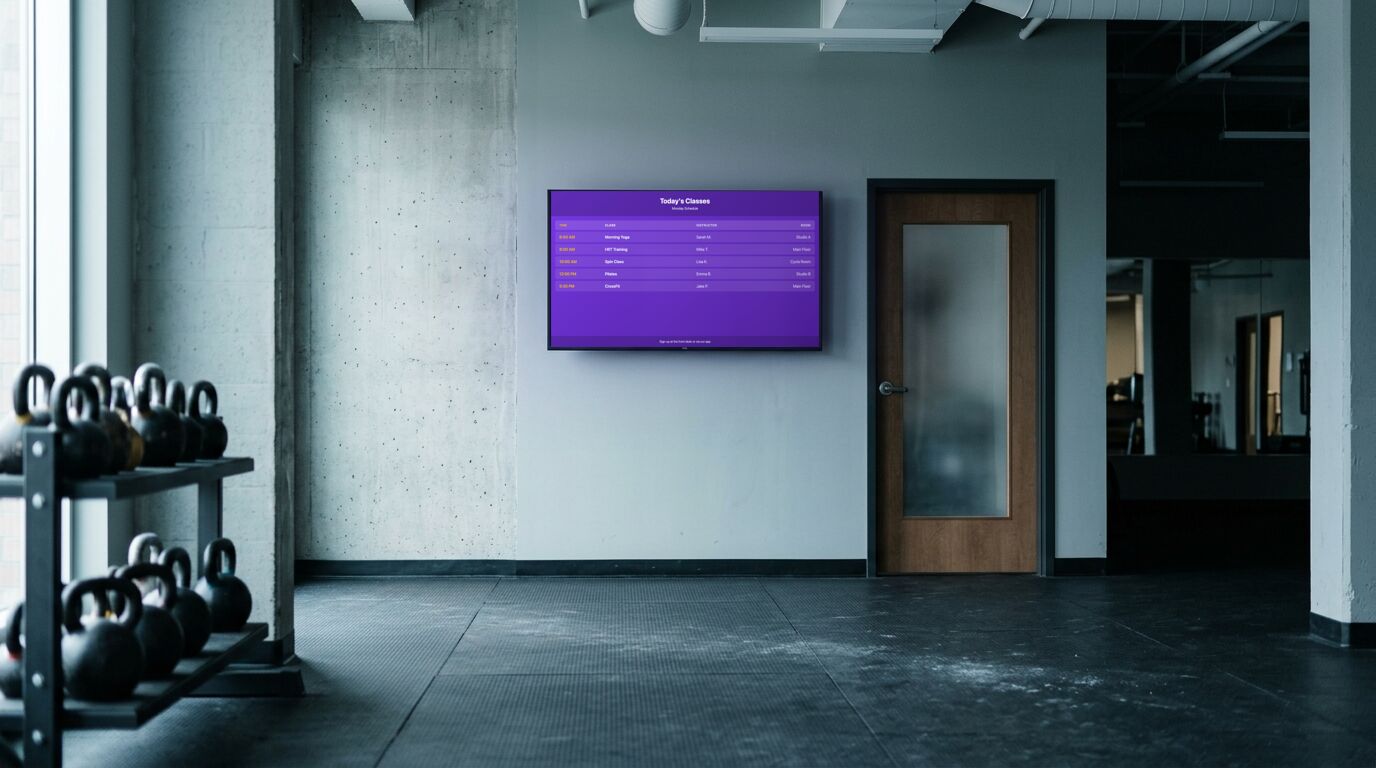
The schedule is the whole thing
A class schedule with time, class, instructor and room covers most of what a member walks in wanting to know. The reason to move it off paper isn't that paper looks bad. It's that a moved class or a new instructor becomes one edit from a phone before the doors open, not a reprint nobody gets around to.
Because the room is a column, the same board also tells members where to go when you run more than one studio.
What else earns a slot
A countdown to the next class start, on a second screen or in the same rotation, does more for punctuality than a sign asking people to be on time. A leaderboard helps when most members can get onto it: classes attended this month, say, rather than the heaviest lift in the building, which the same three people win every week.
Templates that fit

Fitness Schedule
Gyms, studios, recreation centers, community halls
27 editable fields

Leaderboard
Sales floors, gyms, warehouses, competitions
16 editable fields

Countdown Timer (Classic)
Launches, deadlines, doors-open, end-of-sale
11 editable fields

Wi-Fi Access
Cafés, waiting rooms, hotels, co-working spaces
12 editable fields

Celebration
Birthdays, work anniversaries, retirements, team wins
9 editable fields

Wait Time Display
Clinics, urgent care centers, service desks, restaurants
18 editable fields
More templates for these screens
Others in the same categories as the picks above. All included on every plan, the free one too.
Countdown: Countdown Timer (Arcade), Countdown Timer (Bold), Countdown Timer (Glass), Countdown Timer (Slate)
Event: Event Announcement (Poster), Event Announcement (Ticket), Fitness Schedule (Botanical), Fitness Schedule (Print)
Info: Order Up (Ticket), Safety Dashboard, Safety Dashboard (Blueprint), Safety Dashboard (Print)
Social: Sponsor Wall (Print), Sponsor Wall (Swiss), Celebration (Art Deco), Celebration (Neon)
Utility: Digital Clock (Slate), Giving QR (Botanical), Giving QR (Slate), QR Code (Ticket)
What the free plan covers
The free plan runs 3 screens with no time limit and no credit card. For a lot of the sites on this page, that's the whole installation. Past that, Pro is $29 a month in total for up to 25 screens. Full detail on the pricing page.
To set one up, the TV setup guides cover which sets and sticks can run a screen and the power settings to turn off, and pairing a screen takes four steps.
What it doesn't do
There's one fitness-specific template in the set, and the rest of this page is general-purpose templates applied well. If you want class booking, membership data or heart-rate displays on the screen, that's a different category of product, and this isn't it.
Other use cases
Waiting room screens · Retail and storefront screens · School and campus screens · Warehouse and production floor screens · Hotel and hospitality screens · Digital menu boards · Office and lobby screens · All use cases