Office and lobby screens
A lobby screen has two jobs: answer the question a visitor is about to ask at the desk, and tell the people who work there something they need to know.
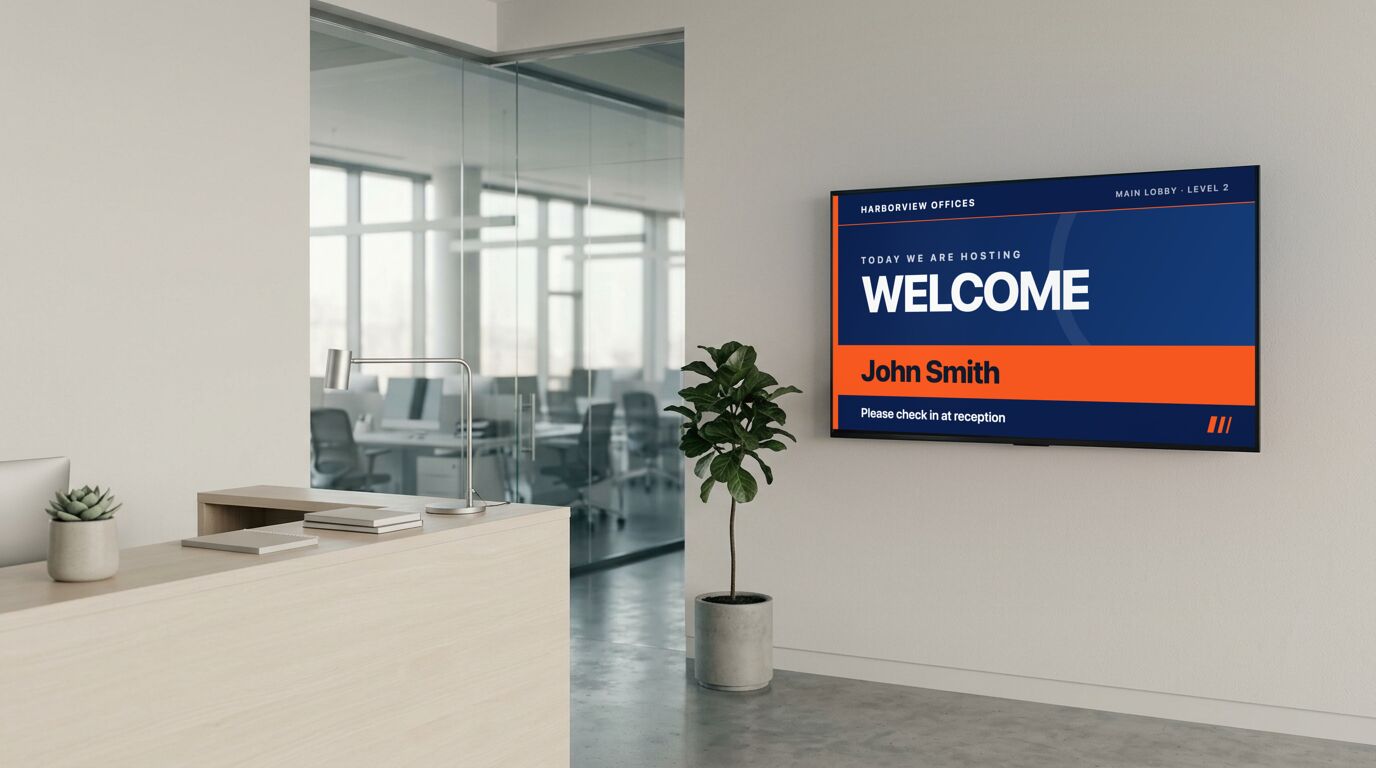
The reception rotation that actually gets used
A welcome, a directory, the Wi-Fi details and a clock will carry a reception screen on their own, and every one of them removes a question from the front desk. Add a named welcome before a client visit. It takes fifteen seconds, and it's the cheapest good impression a lobby can make.
Back of house, the mix is different: a KPI board, a spotlight, an all-hands reminder. Keep the two rotations separate rather than showing staff content to visitors and vice versa.
Meeting rooms without a calendar integration
The room templates set their status from fields rather than reading a calendar. That's a real limitation: someone or something has to set it. In exchange it goes up in an afternoon, and it doesn't break at 9am on a Monday because a token expired. Where people walk a corridor looking for an empty room, a board that shows the whole day saves them opening every door.
Templates that fit

Welcome Screen (Bold)
Reception desks, client visits, interview days
11 editable fields

Directory
Office lobbies, medical centers, multi-tenant buildings
9 editable fields

Meeting Room (Bold)
Larger rooms, floors with several bookable spaces
22 editable fields

Wi-Fi Access with QR
Hotels, restaurants, event venues, clinics
14 editable fields

KPI Dashboard
Operations floors, sales offices, warehouses, agencies
35 editable fields

Town Hall Reminder
All-hands, staff briefings, member meetings, AGMs
22 editable fields

Employee Spotlight
Break rooms, back-of-house, onboarding areas, agencies
11 editable fields

World Clocks
Distributed teams, trading floors, travel and logistics
15 editable fields
More templates for these screens
Others in the same categories as the picks above. All included on every plan, the free one too.
Event: Event Announcement (Botanical), Event Announcement (Classic), Event Announcement (Glass), Event Announcement (Poster)
Info: Order Up (Terminal), Order Up (Ticket), Safety Dashboard, Safety Dashboard (Blueprint)
People: Welcome Aboard (Photo), Employee of the Month (Art Deco), Employee of the Month (Neon), Employee of the Month (Photo Deco)
Utility: Wi-Fi Access with QR (Slate), Wi-Fi Access with QR (Ticket), Wi-Fi Access with QR (Wayfinding), World Clocks (Glass)
Wayfinding: Parking & Shuttle Info (Wayfinding), Directional Sign (Blueprint), Directional Sign (Swiss), Directional Sign (Wayfinding)
What the free plan covers
The free plan runs 3 screens with no time limit and no credit card. For a lot of the sites on this page, that's the whole installation. Past that, Pro is $29 a month in total for up to 25 screens. Full detail on the pricing page.
To set one up, the TV setup guides cover which sets and sticks can run a screen and the power settings to turn off, and pairing a screen takes four steps.
What it doesn't do
If your rooms are booked in a shared calendar and you want the sign to follow it automatically, this isn't that product yet: the room status is set, not synced. Anything that has to be right without anyone touching it belongs on a template that fetches its own data, like the weather and clock boards.
Other use cases
Waiting room screens · Retail and storefront screens · School and campus screens · Warehouse and production floor screens · Hotel and hospitality screens · Digital menu boards · Gym and studio screens · All use cases